
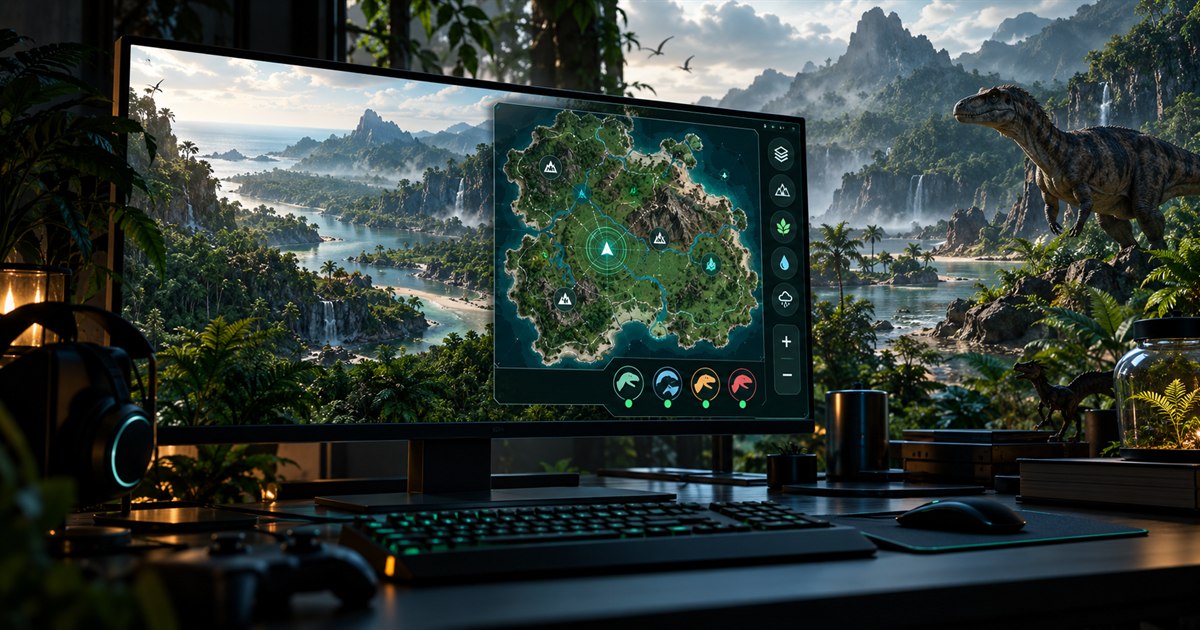
TheIsleMinimap is built to be the most advanced dedicated The Isle minimap for EVRIMA Gateway on Windows 11 and Windows 10. It combines the current Gateway map, flexible Asset Location capture, deep map layers, optional movement tools, a customizable overlay and private four-player squads inside one compact 64-bit Windows app.
“Best” will always depend on how you play. Our claim is based on the complete feature set: two local position-update methods, detailed Gateway layers and filters, configurable overlay behavior, movement tools, private squad coordination, privacy controls, service status, updates and optional diagnostics—not on an unverifiable popularity ranking.
A dedicated The Isle map app for Windows 11 and Windows 10
Most searches for a The Isle map lead to a browser-based coordinate map. Those maps can be useful, but they usually require switching away from the game, pasting coordinates and arranging another browser window or second display. TheIsleMinimap is a dedicated 64-bit Windows companion designed to stay close to your game.
On Windows 11 and Windows 10, the app can sit above The Isle while you play in windowed or borderless fullscreen. Choose Default, Medium or Mega app size, reduce opacity to 80% or 60%, and decide whether the overlay should accept mouse interaction while the game is active. True exclusive fullscreen can cover normal desktop overlays, so borderless fullscreen is the recommended setup.
A customizable Quick Access sidebar keeps up to eight frequently used controls attached to the map. You can add map, capture, layer, squad, privacy, status and update actions, remove shortcuts with a right-click, or hide the entire sidebar without shrinking the map.
An advanced The Isle EVRIMA map with real layer control
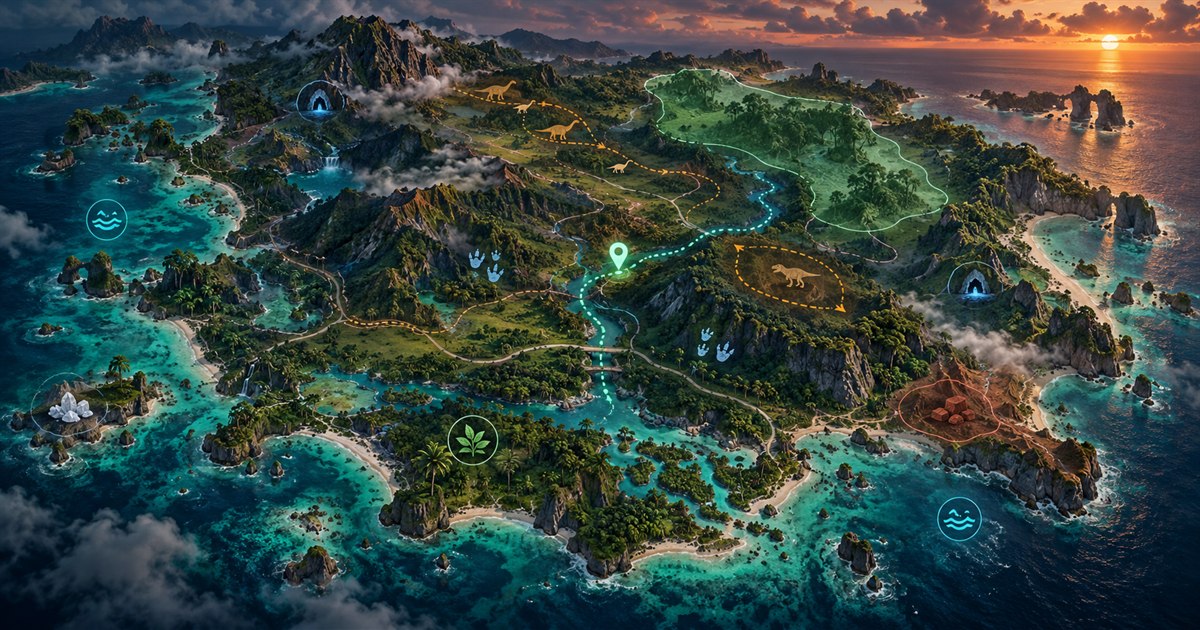
TheIsleMinimap is more than a single position pin. Its Gateway map layers separate navigation information into clear groups so you can build the view needed for the current dinosaur, diet and route.
- General navigation: location names, landmarks, drinking water, sanctuaries, migration zones, patrol zones, air currents and updrafts, roads and trails, mud areas, salt licks, caves and entrances.
- Animal markers: enable the animal layer separately and select individual land or aquatic species.
- Plant and diet resources: filter mapped fruit, nuts, vegetables, flowers, plants and mushrooms.
- Earthworks resources: keep gastrolith and clam-rock locations separate from food and general landmarks.
General layers and the movement trail start switched off, keeping the first view clean. Enable an entire category when you need a broad overview or select only the individual filters relevant to the next part of your run.
Two ways to update your position from Asset Location
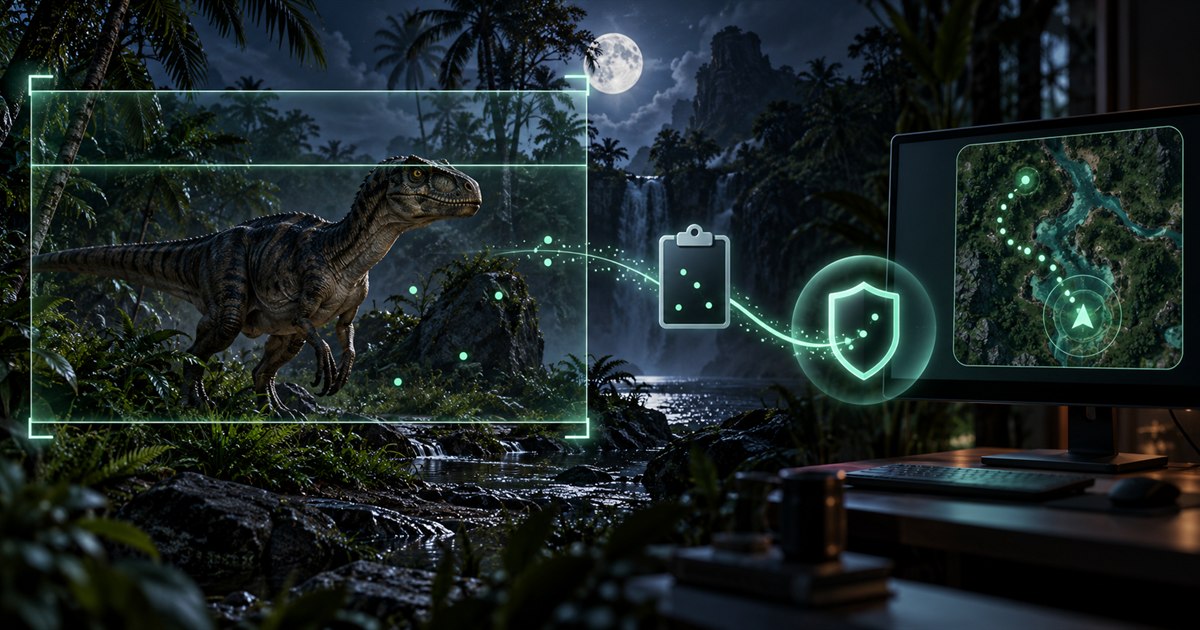
The Isle: EVRIMA displays Asset Location inside the in-game Tab panel. TheIsleMinimap turns those visible coordinates into a marker on the supported Gateway map without reading game memory, injecting code or inspecting network packets.
For direct manual control, click the Asset Location coordinates in the game. Windows copies them, and the app recognizes the valid clipboard value and moves your marker without asking you to paste it anywhere.
For a faster repeated workflow, enable optional local screen reading and select the complete visible Asset Location panel once. When you briefly open Tab in the foreground game, the app checks the visible coordinates before moving your marker. Captured screen content stays on your computer and is not uploaded.
Navigation tools that go beyond an interactive map
An advanced The Isle interactive map should help after it finds your position. TheIsleMinimap includes zoom, pan and recenter controls, an independent map grid, optional player following and a local movement trail. Follow Player recenters a zoomed map only after your marker leaves the visible area, so manual panning remains useful.
Turn on the movement trail when you want a local history of captured positions. Turn it off to clear the current trail. The Current Position panel identifies the active capture method and shows when the newest valid position arrived, while the built-in position guide explains clipboard, screen-reading and squad updates without leaving the app.
Private squads for The Isle multiplayer with friends
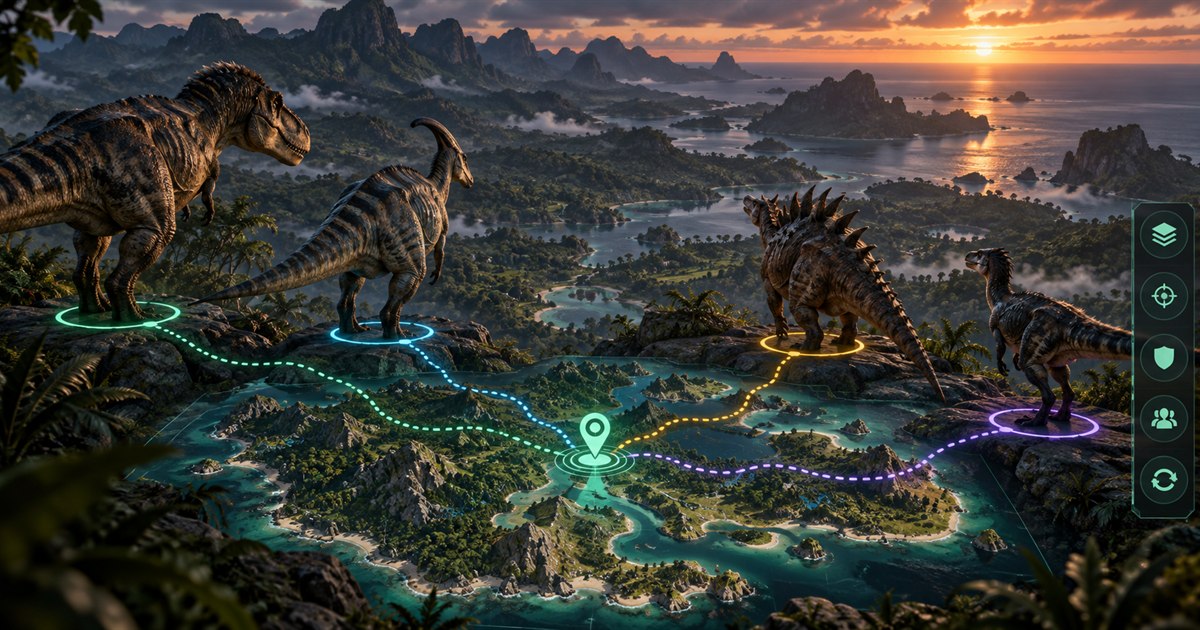
Squad plans add a private squad for up to four players. Create a squad and share its private code directly, or join a friend's code. Each connected member can choose an available marker color and an optional short name, making the latest shared positions easy to distinguish.
The group also gets one shared destination pin. Any member can use it to coordinate a meeting point or route, then remove it when the plan changes. Only the latest captured position is shared while a member remains in the squad; complete movement trails stay local.
This is not a public player tracker. The app does not reveal everyone on a server, and it does not silently follow movement between coordinate updates. Read the private squad guide or our The Isle online multiplayer map guide for the complete workflow.
Privacy, streaming, updates and diagnostics are built in
Advanced should also mean controllable. Streaming Settings can blur the app and hide exact coordinates or squad-code details while keeping navigation and sharing actions available. Screen reading is off by default, requires consent and checks only the area you select.
Software Update shows the installed version and lets you check again without restarting. Service Status separates local map and capture tools from internet-dependent squad and update services. Optional diagnostic switches remain off by default and can be enabled individually when support needs a focused report.
The app includes a dedicated License screen, secure Account Portal access and clear uninstall choices. You can keep local settings and activation for a future reinstall or choose complete removal of the app's local data.
Built specifically for The Isle: EVRIMA Gateway
TheIsleMinimap supports the current EVRIMA Gateway map on compatible official servers and community servers. It does not need a server plugin, administrator account or server IP connection. The supported map and coordinate format matter—not whether the server is official or community-run.
It is not a Legacy map or a generic map for every branch. That focused Gateway support is what allows its coordinates, layers, filters and interface to work as one coherent Windows app. See the official and community server guide for compatibility details.
Advanced The Isle minimap FAQ
What is the best map for The Isle EVRIMA?
The best choice depends on your setup. If you want a dedicated Windows overlay with local coordinate capture, detailed Gateway layers, movement tools and private squads, TheIsleMinimap is designed as an advanced all-in-one option.
Does TheIsleMinimap work on Windows 11?
Yes. It supports 64-bit Windows 11 and Windows 10. Windowed or borderless fullscreen is recommended for a normal desktop overlay.
Is this a The Isle Gateway map?
Yes. The app is built for The Isle: EVRIMA Gateway and its supported Asset Location coordinate format.
Is TheIsleMinimap better than a browser map?
It offers a different level of integration: a dedicated Windows overlay, automatic local screen-reading option, clipboard monitoring, Quick Access controls, movement tools, privacy settings and private squads. A browser map may still suit players who want a simple occasional coordinate lookup.
Does it automatically track every player?
No. It uses only your own captured Asset Location coordinates. Optional private squads share the latest positions of invited members only.
Can I use it on official and community servers?
Yes, when the session is running the supported EVRIMA Gateway map. No server-side integration is required.
Compare Solo Lifetime with Squad plans for private four-player squads and shared positions.