
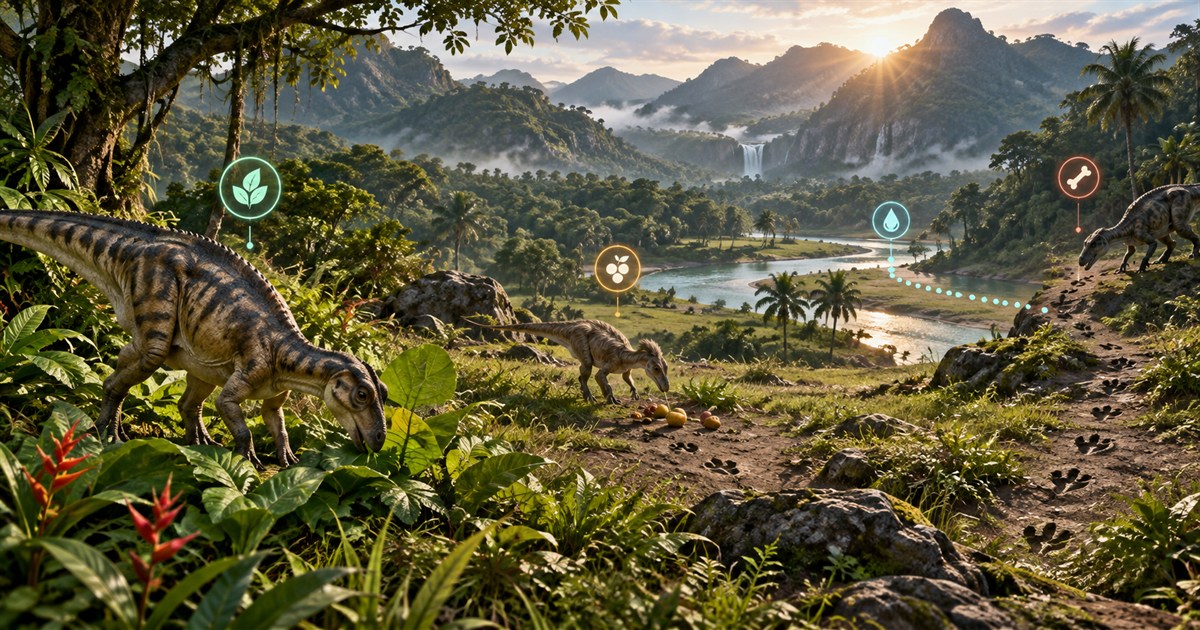
Finding food in The Isle: EVRIMA is not only about reaching a marker. Your dinosaur's diet, current objective, nearby water and the resources actually available in the session all matter. A useful Gateway food map helps you narrow the search and plan the journey, while the game remains the authority for what your dinosaur needs and what is present right now.
Check the in-game diet information first. Capture your Asset Location, enable only the plant or animal filters relevant to your dinosaur, and compare those reference areas with patrol or migration guidance shown by the game. Choose a food route that keeps drinking water and cover within reach. Use scent and your surroundings to confirm the final search because mapped points do not guarantee a live resource or animal.
How the EVRIMA diet changes your food search
A full stomach and a useful diet are related, but they are not the same navigation problem. The game tells you which foods currently apply to your dinosaur and how those choices contribute to its diet. That information should decide which map filters you enable.
Before travelling, use this order:
- Read the current diet panel. Identify foods relevant to the dinosaur and stage you are playing.
- Check the current objective. Patrol, migration and sanctuary guidance can affect where useful food is expected.
- Locate yourself. Capture Asset Location so you can compare realistic routes rather than guessing from a compass direction.
- Turn on focused food filters. Select only the plants or animals that help the current search.
- Add drinking water. Food is less useful if the journey leaves you too far from a safe water route.
Diet details and balance can change as EVRIMA is updated. Treat the current in-game information as the final reference instead of relying on an old list copied from a previous patch.
How to find herbivore food in The Isle EVRIMA
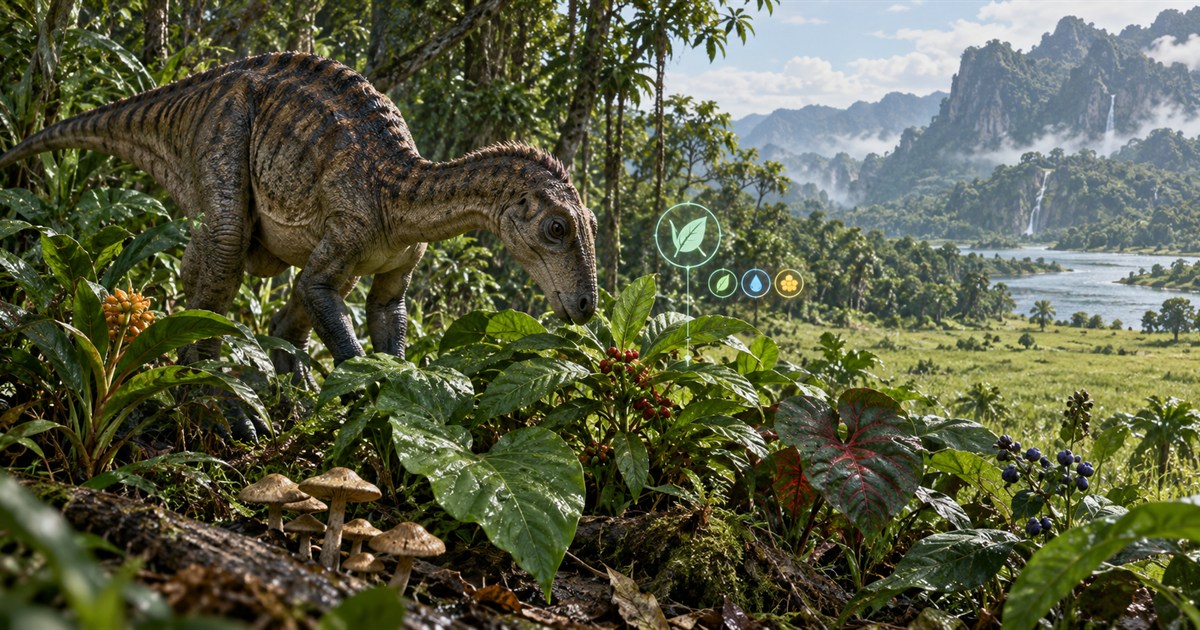
For herbivores, open the Plants tab in TheIsleMinimap. Its filters separate fruits, nuts, vegetables, flowers, plants and mushrooms so you can display the categories relevant to your current diet instead of covering Gateway with every resource marker.
A practical herbivore search looks like this:
- Capture your current position before leaving cover.
- Enable the specific plant resources shown as useful by the game.
- Compare the nearest reference areas with your active patrol or migration direction.
- Check drinking water, terrain and an intermediate landmark.
- Use scent and visual searching when you reach the area.
Do not assume that the closest plant marker creates the best route. Dense jungle can hide elevation changes and open plains may expose a juvenile. A slightly longer route along cover, water or a recognizable road can be easier to follow and safer to recover if the expected resource is unavailable.
Patrol zones, migration zones and herbivore food
The objective shown by your game provides current context that a static map cannot determine for you. Patrol zones focus activity into a smaller local area, while migration zones can encourage a broader journey. Use the corresponding map layer to understand nearby terrain, water and roads after the game shows you where to go.
Sanctuaries are juvenile-focused locations and may be relevant during early growth, but they are not permanent bases or guarantees of safety. The migration, patrol and sanctuary guide explains the differences and why a displayed map region should not be treated as active for every dinosaur.
How to find carnivore food on Gateway
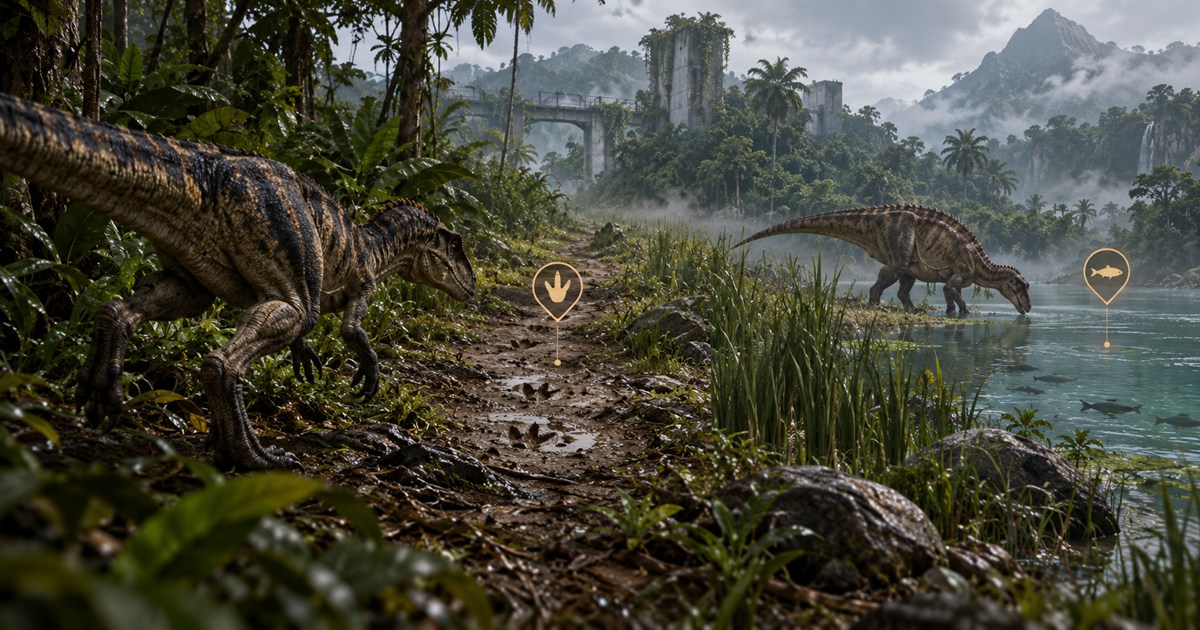
Carnivore food searches depend more heavily on current activity than a simple fixed destination. The Animals tab lets you select mapped land and aquatic species references individually, helping you understand which parts of Gateway may be relevant to the search.
These markers are not live prey radar. TheIsleMinimap does not read game memory, inspect network traffic, reveal hidden players or detect animals currently present on the server. A reference point can help you choose where to investigate; scent, sound, tracks, movement and the live game state determine what is actually there.
When travelling as a carnivore:
- Keep the selected animal references limited to the search you are making.
- Look for water, crossings, tree lines and terrain that naturally shape movement.
- Use patrol or migration activity as context when the game provides it.
- Recheck Asset Location after a chase, detour or long movement through jungle.
- Leave enough hunger and water margin to try another area if the first search is empty.
How omnivores should plan a food route
Omnivores may have useful choices across more than one food family, but that does not mean every plant or animal marker should be enabled. Begin with the current diet information, select the relevant resources from the Plants and Animals tabs, and compare which option creates the most practical route from your current position.
A nearby food source can be the better choice when it keeps water, cover and an escape route available. A distant resource may still be worthwhile when it supports the diet you are building, but prepare an intermediate stop before committing to the journey.
How to plan around nutrients without getting lost
The map should answer geographic questions: where you are, which relevant reference areas are nearby, and how terrain connects them. It should not replace the current diet panel. Use the game's diet information to decide what you need, then use the map to decide how to reach a suitable search area.
When more than one food could help, compare:
- Travel cost: distance, elevation and terrain your dinosaur must cross.
- Water access: whether a drinkable source is available before or after feeding.
- Exposure: how much of the route crosses open ground or predictable approaches.
- Confirmation options: whether scent, landmarks and the active objective help verify the area.
- Fallback route: where you will search next if nothing is available.
Build one route for food and water
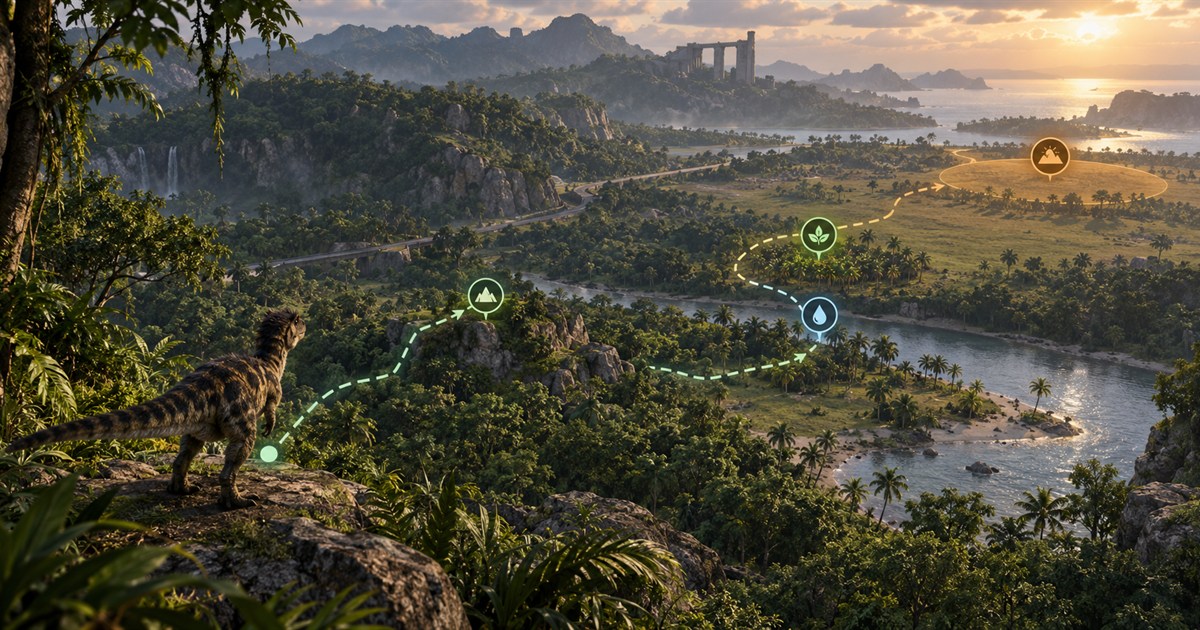
A common mistake is treating food and water as separate emergencies. Plan them together. Enable Drinking Water beside the relevant food layers, then create a short sequence: current position, intermediate landmark, water or food stop, and a fallback destination.
The best order depends on your current meters and terrain. If thirst is already urgent, secure water before beginning a long diet journey. If you have enough water but little time to reach a current objective, choose the food search first and identify the next drinking point before leaving.
Keep the map readable while searching
Start with four pieces of information: your position, drinking water, one food group and one navigation layer such as Location Names or Landmarks. Add patrol, migration, roads or caves only when they answer a specific route question. The independent General, Animals, Plants and Earthworks controls make it possible to keep unrelated data hidden.
The complete Gateway map layers guide explains every layer family. If you are still learning how to place yourself on Gateway, begin with the Gateway beginner map guide.
Keep your food-search position current
Click the Asset Location coordinates displayed in the in-game Tab panel for a manual clipboard update. With optional screen reading enabled and its visible area selected, matching local readings can update the position marker whenever the panel appears in the foreground game. Captured screen content stays on your computer.
Refresh the position after crossing a river, changing direction, leaving a pursuit or travelling through dense vegetation. The Asset Location guide covers both update methods and their privacy boundaries.
What to do when the expected food is missing
- Confirm that the selected filter matches the current in-game diet information.
- Use scent and search the nearby terrain rather than only the exact visual marker.
- Check whether the current patrol or migration objective points elsewhere.
- Refresh Asset Location to make sure navigation drift did not move you into the wrong area.
- Move to the planned fallback while enough food and water remain for the journey.
Mapped layer data can be refreshed through app updates when Gateway changes, but no reference map can promise that a dynamic resource or animal exists at a location in every server session.
The Isle EVRIMA food and diet FAQ
How do I find food in The Isle EVRIMA?
Check the current diet information and objective in the game, capture Asset Location, and enable the matching plant or animal filters. Navigate to the surrounding search area, then use scent and the live environment to confirm the food.
Where can herbivores find food on Gateway?
Use the Plants tab to select the fruits, nuts, vegetables, flowers, plants or mushrooms relevant to your dinosaur. Compare those mapped references with the patrol or migration guidance shown by the game.
Does the animal map show live prey?
No. Animal markers are map references, not live detection. The app does not reveal hidden players, read game memory or inspect server traffic.
Do map markers guarantee that food has spawned?
No. Availability can change with the current session, server conditions and game updates. Use the markers to guide a search and verify the result in the game.
Should I follow food or water first?
That depends on the current meters and route. If thirst is urgent, secure water first. Otherwise, plan both needs together and identify a safe drinking source before beginning a long food journey.
Does the food map work on community servers?
Yes, when the server uses the supported EVRIMA Gateway map and coordinate format. No server plugin or administrator access is required.
Combine your current position with focused plant, animal, water and objective layers in one Windows minimap.