

The Isle EVRIMA, Legacy and Hordetesting are names you will encounter in guides, videos and server discussions. They do not all describe the same playable build. Before downloading another version or copying a tutorial, check what you have installed and what the server or friends you want to join are using.
For the EVRIMA Gateway gameplay covered by this website, use the compatible public EVRIMA build. Choose Legacy when you deliberately want a Legacy session, and Hordetesting when you intend to participate in the currently available test. Agree on the branch and exact server with friends before downloading.
The three AI-generated illustrations are conceptual artwork, not screenshots of Steam, official maps or a game's version-selection menu. Branch names and availability can change; read the entries currently offered by Steam and the developers' instructions rather than relying on a fixed position in a dropdown.
What do EVRIMA, Legacy and Hordetesting mean?
Legacy is the name used for the older version of The Isle. EVRIMA refers to the newer development line. The developers' June 2020 EVRIMA branch announcement documents its original availability through Steam. Its launch-era species list and instructions should not be read as a complete description of today's game.
Hordetesting refers to a testing branch used for changes being evaluated. Recent official development announcements distinguish work being tested from public releases. A feature appearing in a test video does not establish that it exists in public EVRIMA, and a test's contents or availability can change.
Choose by your goal rather than by which name sounds newest
| Your goal | What to check |
|---|---|
| Follow this site's EVRIMA Gateway guides | The compatible public EVRIMA branch, current build and Gateway server |
| Join friends already playing | Their exact branch, build and server name |
| Revisit a Legacy community | The version and joining instructions specified by that community |
| Try a feature being tested | The developers' current test announcement and test-server availability |
For a first evening, decide on one target before launching a large download. Ask a friend to confirm their branch or send the relevant menu information. That is more reliable than being told only that they are playing “The Isle,” particularly when a recent video mixes footage from different versions.
Check what Steam has selected for your copy
In Steam's Library, open The Isle's Properties and find the branch-selection page. Depending on the client layout, it may be labelled Betas or Game Versions & Betas. Read the currently selected option and compare it with the developer's current instructions. Steam's branch documentation explains the underlying distinction between a default branch and other builds offered by a developer.
After any pending download completes, check the game's own menu for version information where available. Keep the branch and build together in your notes. The branch name alone may not explain a connection problem if the server has not yet updated to the same build.
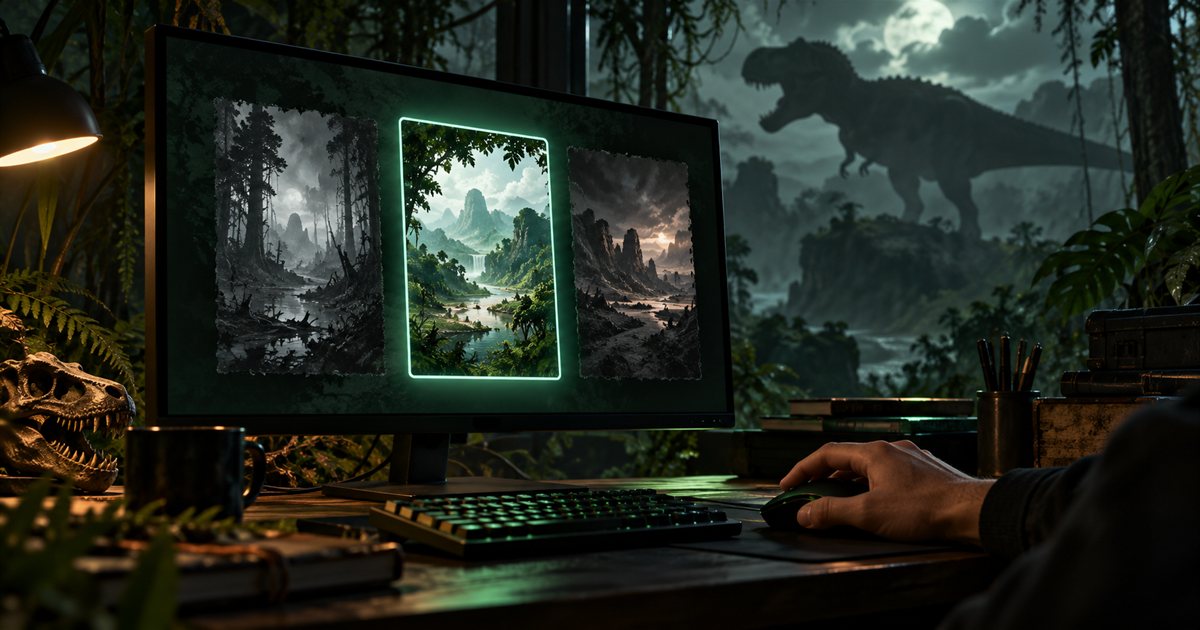
A careful workflow for switching versions
- Finish your current game session using its normal logout procedure.
- Confirm the version and server you want to use next.
- Record the branch currently selected in The Isle's Steam Properties.
- Select the intended available branch using the current official instructions.
- Let Steam finish downloading and updating before launching.
- Check the resulting build and server compatibility in the game.
Allow time and disk space for the download rather than switching just before meeting friends. Changing a branch can involve replacing game content. Do not interrupt an update and assume the next launch already contains the selected version. If the expected option is missing, recheck the current announcement and restart Steam normally before investigating further.
Why “None” is not a permanent edition name
In Steam's branch system, opting out of a beta selects the developer's default build. The word “None” is therefore not an enduring synonym for a particular edition of every game. A tutorial that identifies it with one version on a particular date can become misleading if the game's distribution changes later.
This guide deliberately does not tell you that the default must always mean Legacy or must always mean EVRIMA. Read the current selection, compare the developer's instructions and confirm the game you actually launch. Taking those three small steps also makes your support report clearer when Steam's wording changes.
Agree on the same branch and exact server
Before inviting friends, agree on the branch, the server's full name and any community joining requirements. Similar server names are not enough to establish that everyone chose the same session. If one person sees a different server list, compare versions and filters before assuming the service is unavailable.
Use our server guide for connection checks and the grouping guide once you are in a compatible session. A private TheIsleMinimap squad is a separate app feature; it does not move players between game servers or make different game builds compatible.

Check the date, branch and species behind a tutorial
When a guide shows an unfamiliar map, missing menu or different ability, look for its publication date and the version used in the footage. Then check the species and the player's bindings. A difference may be explained by the build rather than a broken installation or a key that is not responding.
Treat a test-branch demonstration as a preview of that test. Avoid combining a Legacy species guide, an EVRIMA map and a Hordetesting control explanation into one assumed workflow. Our controls guide explains how to compare a tutorial with your current bindings, while the skin guide applies the same approach to changing customizer options.
Think about your existing dinosaur before changing branches
Do not assume that switching a local branch transfers a dinosaur, server save or personal setup into a different session. Ask the relevant server operator about progress and the effect of its updates before leaving a character you care about. A backup of local preferences is not a backup of a game server's state.
Record your current server, species and settings before experimenting. Use the safe-logout guide for the session-ending workflow appropriate to the game you are playing. If an update or branch switch causes a launch failure, move to the troubleshooting guide instead of repeatedly changing versions without noting the result.
Which version is TheIsleMinimap designed for?
TheIsleMinimap is a Windows companion for The Isle: EVRIMA's supported Gateway map. This website's guides and reference layers should not be treated as a Legacy map package or a promise of support for every experimental map change. Check the current features and setup tutorial for the supported workflow.
After joining a compatible Gateway session, use a fresh valid Asset Location reading or coordinate copy to place yourself. The companion does not select Steam branches, install game updates or manage server saves. Start with the right session, then use the map to plan an ordinary journey with the people actually sharing it.
Version questions
Do I need Hordetesting for normal public EVRIMA play?
Choose the version required by your intended public server. Participate in a test only when that is the session you want.
Why does a video show a dinosaur or feature I cannot select?
Check its branch and date. Development footage and testing content are not a current public roster list.
Does switching branches fix an unavailable server?
Only switch when you have established a version mismatch. A server can also be full, updating or unavailable for other reasons.