
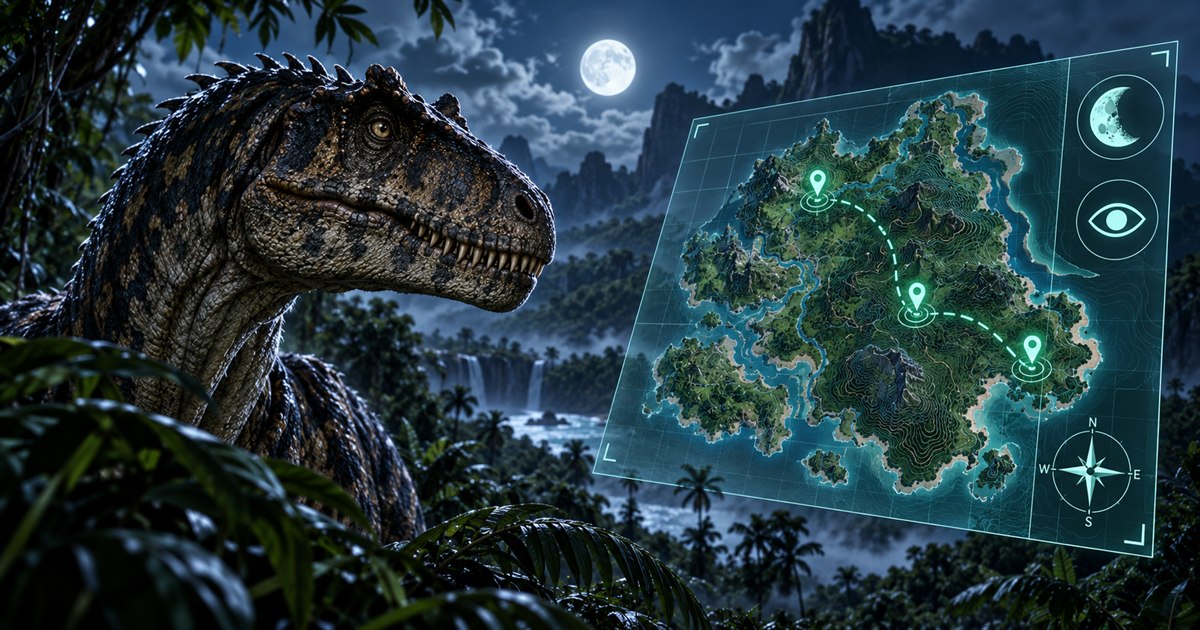
Struggling to navigate The Isle EVRIMA at night? Start by checking your night-vision control in the game, then make your journey easier to follow with a current position and recognizable landmarks. Night vision and a Gateway minimap solve different problems: one is an in-game visibility tool; the other helps you understand where you are going.
Check the night-vision action in your current game controls, use its assigned key while the game has keyboard focus, and assess the terrain you can actually see. Refresh your position with Asset Location and choose a short, recognizable route on TheIsleMinimap. Do not sprint toward a map point across ground you cannot judge. The minimap does not increase night vision or reveal hidden players.
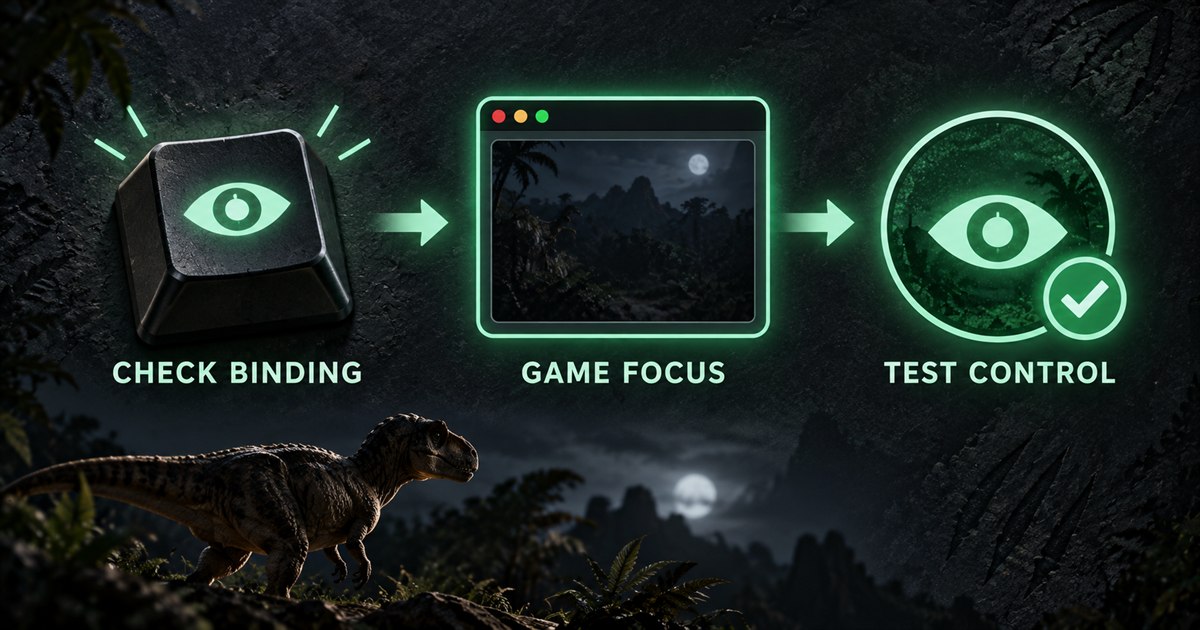
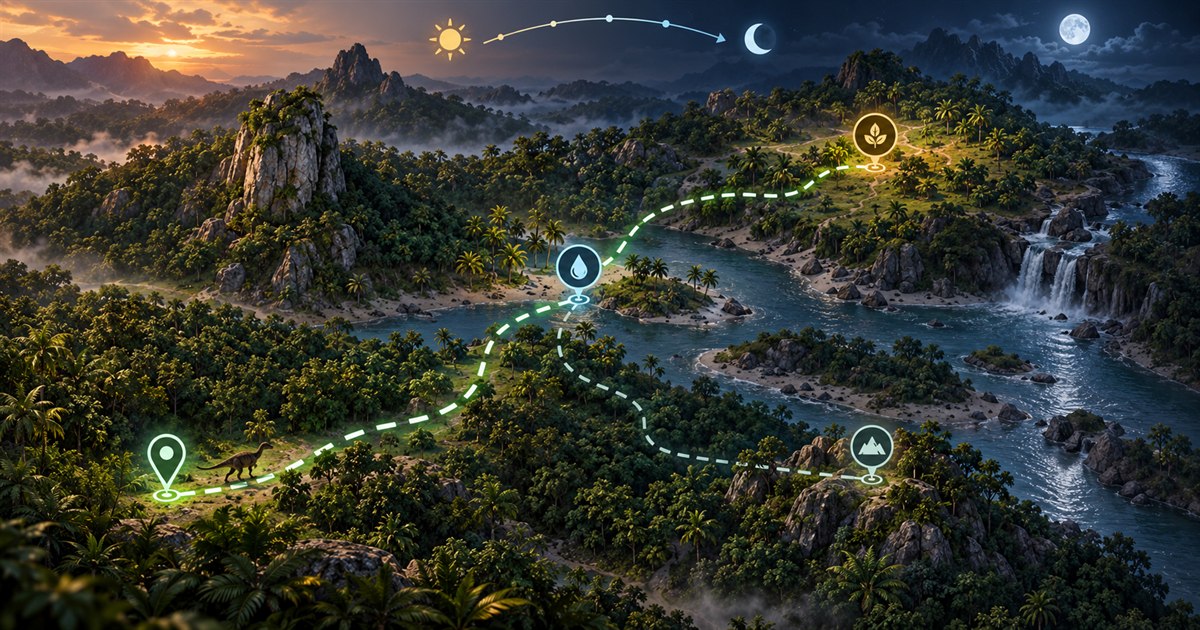
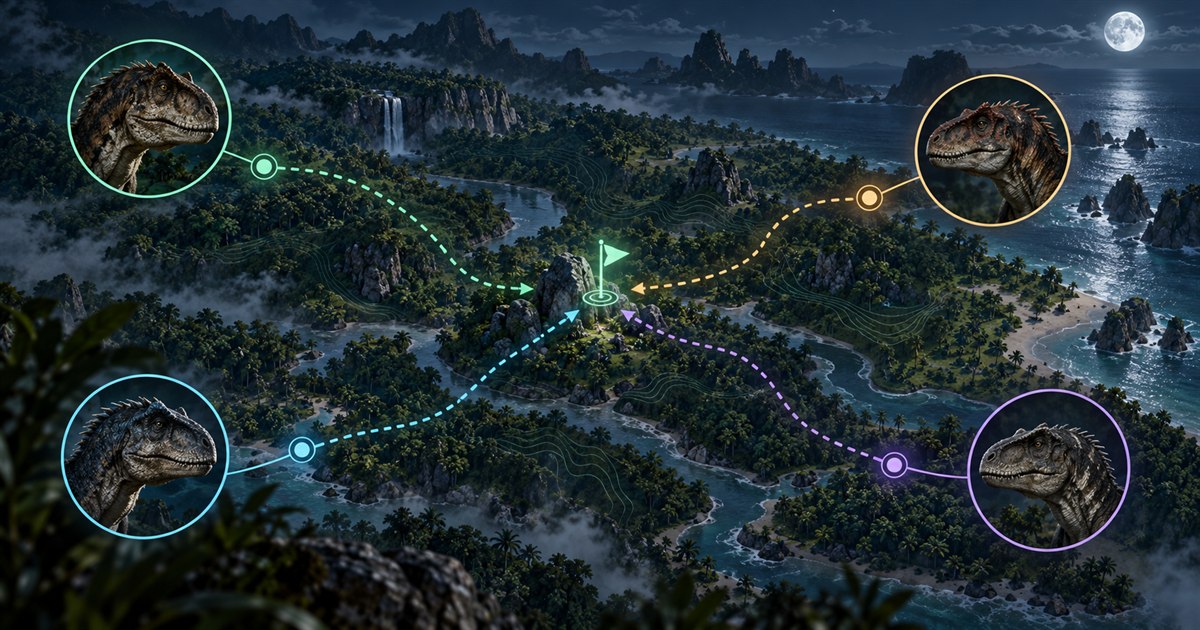
The four images are AI-generated illustrations, not gameplay screenshots, exact Gateway locations or demonstrations of the game's night-vision effect.
How to check night-vision controls in The Isle EVRIMA
Open the game's controls or key-binding settings and find the night-vision action. Use the key shown in your own installation instead of relying on a shortcut copied from an older video. If you have changed your controls, that personal binding is more relevant than another player's default.
Return to gameplay and make sure the game has keyboard focus. Close chat or any text-entry field before testing the assigned control. If the key types a character into a field or operates another window, you have not yet tested whether the game's night-vision action works.
When checking the result, look at the same nearby stretch of terrain rather than turning toward a different scene between attempts. That makes a change easier to assess. Do not expect night vision to make every distant area equally clear, and do not judge the current effect against a screenshot from a different game version.
This guide intentionally does not promise one universal key, a fixed viewing distance or a particular colour filter. Check your controls and current game information. The aim is to establish what your installation is doing before you assume the feature is broken.
The Isle night vision not working: a careful checklist
If pressing the expected key seems to do nothing, work through the simple checks first. Repeatedly changing unrelated settings can make it harder to tell which step helped.
- Check the branch. Confirm that you are playing EVRIMA, not following Legacy instructions for a different version of The Isle.
- Check the assigned action. Look up night vision in the game's controls. If you choose to rebind it, check for conflicts and apply the change using the game's settings.
- Check keyboard focus. Return focus to the game, close text entry and test the control again without another window receiving the key.
- Check the comparison. Observe the same nearby terrain while testing. A dark or obstructed scene by itself does not prove that the input failed.
- Check the current build information. Review The Isle's official announcements for relevant changes or known issues rather than applying a years-old workaround automatically.
If the problem remains, note the game build, branch, dinosaur, assigned binding and whether the control changes anything in the scene. That is more useful when asking for help than simply reporting that the screen is dark. Restarting the game can also be a reasonable next check when you can leave your session safely and in accordance with the server's rules.
Do not delete your Saved or configuration folders as a routine first step. Older advice may reset unrelated settings and may not address the current issue. Follow current official support guidance for your specific problem, and preserve any settings you would need to restore before a reset.
What a Gateway minimap can help with at night
A current player marker helps answer where you are on the supported Gateway map. Location Names, Landmarks and other selected layers give you reference points for the next part of a journey. That can reduce uncertainty about direction when the live surroundings are difficult to recognize.
It does not tell you that the ground ahead is passable or that a shoreline is clear. TheIsleMinimap does not brighten the game, extend your dinosaur's vision, read hidden enemies or guarantee a safe route. Look at the actual terrain as you travel, especially before changing elevation or approaching water.
Keep the map readable. For a short journey, start with the navigation references you need and leave unrelated resource filters hidden. A screen full of icons can make it harder to distinguish the destination from other information. The Gateway map layers guide explains the available filters.
Refresh Asset Location after meaningful movement, a detour or a respawn. Manual copying and optional screen reading both rely on a current coordinate reading. The EVRIMA coordinates guide explains how to compare your marker with nearby landmarks.
Plan food and water before visibility becomes difficult
Use the remaining light to choose an achievable next destination. Check your thirst, hunger and condition, then consider whether your planned journey still makes sense if the terrain becomes harder to read. Having a destination and a fallback is more useful than beginning a long trip with only a general direction.
Pick a route with reference points you can describe: a river bend, a visible formation, a named location or a familiar junction. Break a longer journey into short stages. After each stage, refresh your position and decide whether to continue rather than assuming your original plan must remain the best choice.
For water, use the Gateway drinking water guide to plan the approach and the way out. For food, the AI spawns guide explains why animal references are search areas rather than guaranteed live prey. Neither a water icon nor a food reference confirms safety or availability in your current session.
What to do if you lose your direction after dark
Stop an uncertain journey long enough to reassess it, where the situation allows. Running farther while guessing can make the next decision harder. Refresh your coordinates, compare the map with a recognizable feature, and choose one clear next stage rather than several competing destinations.
If you cannot judge a slope, crossing or drop, a map point alone is not a reason to commit. Reconsider the approach or choose a route you understand. Your dinosaur's movement abilities and current condition matter more than a straight line between two markers.
Also check whether you are planning from a stale position. A marker from before a pursuit, detour or respawn may place you somewhere you are no longer standing. If optional screen reading is enabled, the game must show readable latitude and longitude in the approved area; the minimap does not obtain a hidden position when that panel is closed. See the Asset Location reading guide for setup.
Regroup with friends using one shared landmark
TheIsleMinimap's private squads support up to four players. Agree on a recognizable meeting point and keep participating members' positions updated. A shared pin can communicate the destination, but it should not be treated as confirmation that the surrounding ground is safe.
When visibility is poor, avoid repeatedly changing the meeting point without making sure everyone understands the new plan. Choose a journey that fits the member with the least suitable condition or movement options. A route that one dinosaur can manage easily may not be appropriate for the whole group.
Squad markers show participating members' shared positions, not every player nearby. Use the online map and multiplayer squads guide for the position-sharing workflow.
The Isle EVRIMA night vision FAQ
What key turns on night vision in The Isle EVRIMA?
Check the night-vision action in your current game controls and use its assigned binding. Your personal settings and game version are more reliable than a shortcut from an old guide.
Why does my night-vision key seem not to work?
First check the binding, game branch and keyboard focus. Close chat or other text entry, test against the same nearby terrain and review current official information if the problem remains.
Does TheIsleMinimap improve the game's night vision?
No. It provides a supported Gateway map, your supplied position and selected reference layers. It does not change the game's lighting or visibility.
Can I navigate Gateway with the minimap at night?
You can use it to compare your current position with landmarks and destinations. You still need to judge the visible terrain and live surroundings before moving.
Should I reset my configuration if night vision is not working?
Not as the first step. Check the simple input and version issues first. If current official support guidance calls for a reset, preserve the settings you need and follow instructions specific to your problem.
Combine your current position, useful navigation layers and private squad sharing in TheIsleMinimap for Windows.