
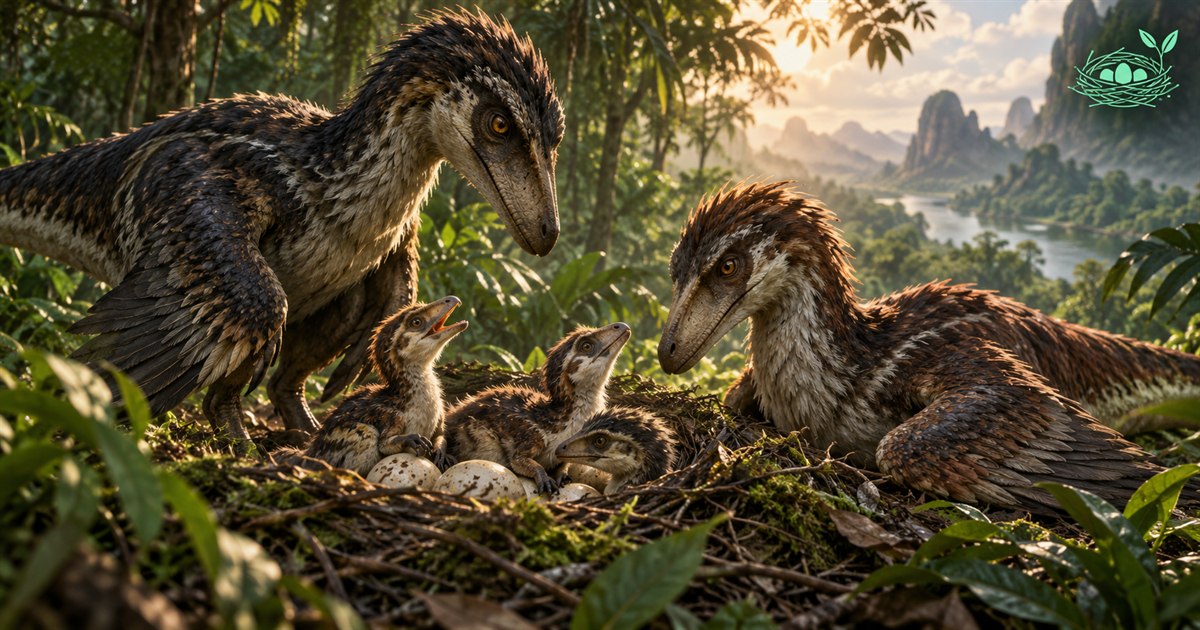
Want to know how to nest in The Isle EVRIMA and raise hatchlings with friends? Nesting is more than placing eggs and waiting. You need to understand the game's pairing and nest controls, prepare for the young dinosaurs that join you, and make food and water journeys you can repeat without getting lost on Gateway.
Check your dinosaur's eligibility and courtship controls, pair with a compatible partner, follow the nest-building prompts, manage eggs through the nest screen, and arrange hatchling care before inviting anyone. TheIsleMinimap can help you navigate and coordinate with friends; it does not detect nests, manage eggs or guarantee a safe nesting site.
The four images are AI-generated illustrations. Nest, thermometer, shield and route symbols explain planning concepts; they are not gameplay screenshots, exact Gateway locations or features that automatically monitor a nest.
What is nesting in The Isle EVRIMA?
Nesting gives players another way to experience the survival game: raising a new generation instead of travelling only for themselves. It also creates a shared responsibility. Before starting, ask whether your group wants to stay near a nest, make supply trips and help inexperienced players, rather than immediately move across the island.
The official Update 5 announcement introduced EVRIMA's courtship, nest creation and hatchling interactions in July 2022. That establishes the basic workflow, not a current incubation formula or a map of present-day nesting locations.
This guide is about EVRIMA and Gateway, not the older Legacy experience. Check the controls and information shown in your own game rather than copying an old video step for step. Community-server rules can also affect how people are allowed to group, defend territory and interact with other species.
Before you build a nest on Gateway
Prepare your surroundings before committing to a location. A site that looks attractive in one screenshot may require awkward supply journeys or give your group little room to respond when another player arrives. Think about what you can observe in the game now, not just what a map suggests.
- Check the game requirements. Confirm your species, growth and pairing eligibility in the current game. Do not assume every dinosaur or every growth stage has the same nesting options.
- Agree on roles. Decide who will watch the nest and who will search for supplies. Let the other parent know before leaving.
- Assess resources. Identify a practical way to reach water and suitable food, and a recognizable return journey.
- Check server rules. Read any nesting, grouping or territory rules before inviting other players.
- Plan for disruption. A nest is not a protected lobby. Be ready to change your plans if conditions become unsuitable.
For a first attempt, prioritize a journey you understand over a supposedly perfect spot copied from a guide. Keep the route simple enough to explain to a friend. No nesting location is guaranteed safe, and a map cannot tell you whether another player is currently waiting nearby.
How to start courtship and pair with a partner
Start with a compatible partner and check the courtship action in your game bindings. Follow the in-game prompts and confirm the pairing state before attempting the next step. Standing beside a friend, sharing a voice channel or joining a navigation squad does not by itself establish a nesting pair in The Isle.
If courtship is unavailable, compare what both players see. Are you on the same server? Are both dinosaurs eligible? Is the intended action actually bound? Does the game show an existing pair or a requirement that has not been met? Work through those questions before assuming the nest system is broken.
Coordinate the attempt somewhere you can observe your surroundings. Communicate when you are ready and avoid repeatedly performing unrelated actions while checking the pairing result. Species-specific animations and the current game's prompts are better guidance than a universal key sequence from an older tutorial.
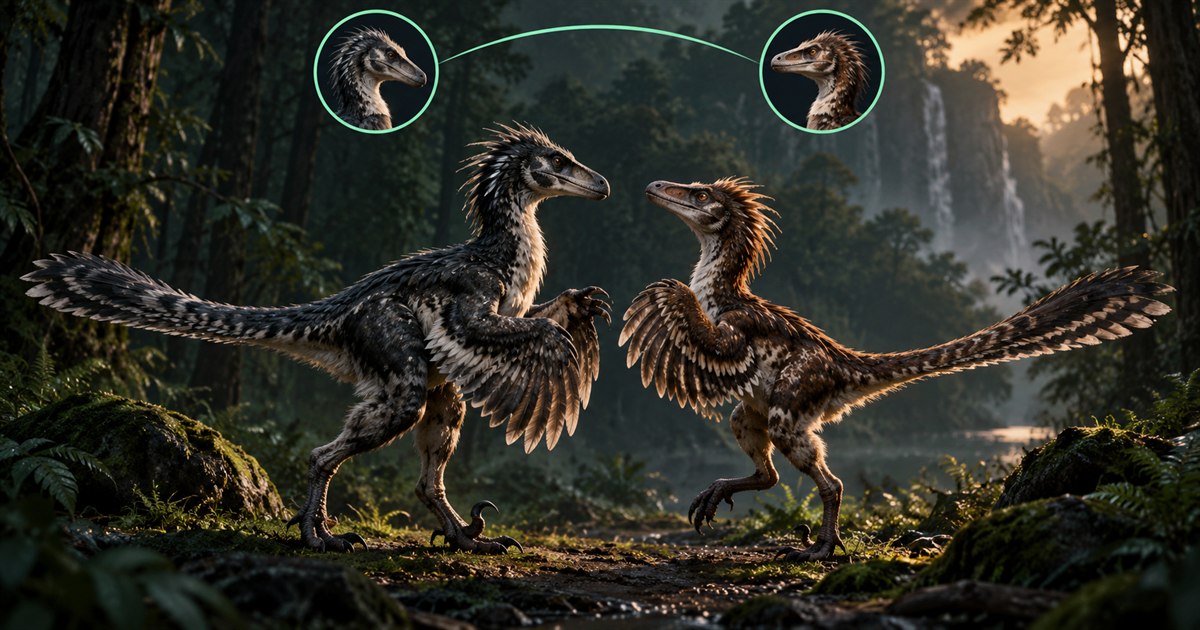
How to build a nest and prepare eggs
After pairing, use the game's nesting controls and follow the placement and construction instructions for your dinosaur. If the game rejects placement, read the prompt and reassess the position. Do not assume every surface that looks flat is a valid location.
Once the nest is available, inspect its screen before inviting hatchlings. Check what the game says about readiness, eggs and any actions still needed. The official October 2024 patch notes added egg gestation through the nest screen before laying. They also introduced interactions that allow eggs to be taken from nests. An older tutorial that skips those changes may leave out an important step.
Use the current interface to distinguish preparation from an egg being ready for a player. Do not promise your friends an immediate hatch just because a nest has been placed. Before a supply trip, agree who is checking it and when you will return.
Egg care: watch the nest, not a fixed timer
Monitor the conditions and prompts shown in the nest screen. If it offers temperature or condition information, use that information to decide what needs attention. This guide deliberately does not give one incubation time, temperature threshold or egg count for every species and server.
Keep both parents informed about what is happening. A useful handover is specific: which action you just completed, what the interface currently shows and whether you are leaving. That is more helpful than simply saying the nest is fine while the other player has not looked at it.
Continue looking and listening around you. Treat supplies, eggs and hatchlings as part of an ongoing survival situation. A conceptual shield icon in an illustration does not mean the game grants protection, and staying near a nest does not remove the need to react to other animals.
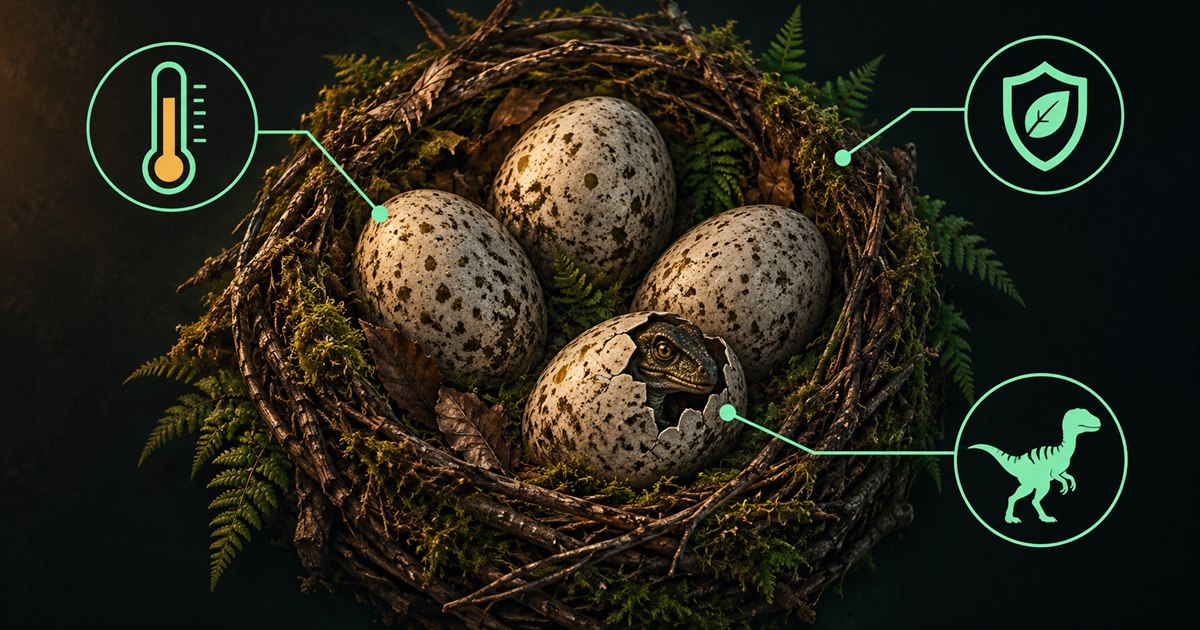
How to join a nest and hatch in The Isle
Arrange the invitation or available-egg selection through the current game's nesting and spawn interface. Parents and joining players should confirm the same server and explain what each screen shows. If your game offers a private nest invitation, share it only with the intended players rather than treating it as a public meeting marker.
Be ready to play before taking an egg. The official July 2026 public-branch patch notes say eggs automatically hatch when players do not manually hatch after appearing inside one. Do not treat an occupied egg as an indefinite waiting room; follow the current game's prompts rather than relying on a specific countdown from an older guide.
Once you hatch, take a moment to orient yourself before wandering off. Learn which dinosaur is helping you, what you should do next and where the group expects to regroup. A newly hatched player may need an explanation of controls rather than another distant map destination.
Raising hatchlings with friends
Use the hatchling-care interactions and prompts available in your game. Do not assume a very young dinosaur can immediately complete the same food and water journey as an adult. Check its needs and communicate before moving the group.
Keep instructions short and concrete: stay nearby, identify the parent you are following, and explain when you are changing direction. If someone is unfamiliar with Gateway, a named landmark and a current position are easier to understand than a long list of locations they have never visited.
Give hatchlings time to catch up when travelling. Consider their pace, your own stamina and the terrain visible ahead. Avoid turning a routine resource run into a rushed crossing that leaves the youngest player behind. Our EVRIMA stamina guide explains why keeping energy for the return journey matters.
Plan food and water journeys around the nest
Think in short round trips: leave a recognizable reference, reach the resource, then return. Check the terrain in the game rather than assuming the straight line on a map is traversable. A river crossing or steep slope can make a short-looking trip much less practical.
Refresh your Asset Location before making a navigation decision. Copied coordinates or the optional screen reader provide fresh position information when the visible coordinates are captured. A marker left over from an earlier reading is not proof of where you are now.
Use the food and diet guide to plan around suitable resources and the Gateway water guide to think through your approach to a drinking location. Map references are starting points for a search, not a guarantee that food is available or a shoreline is unoccupied.
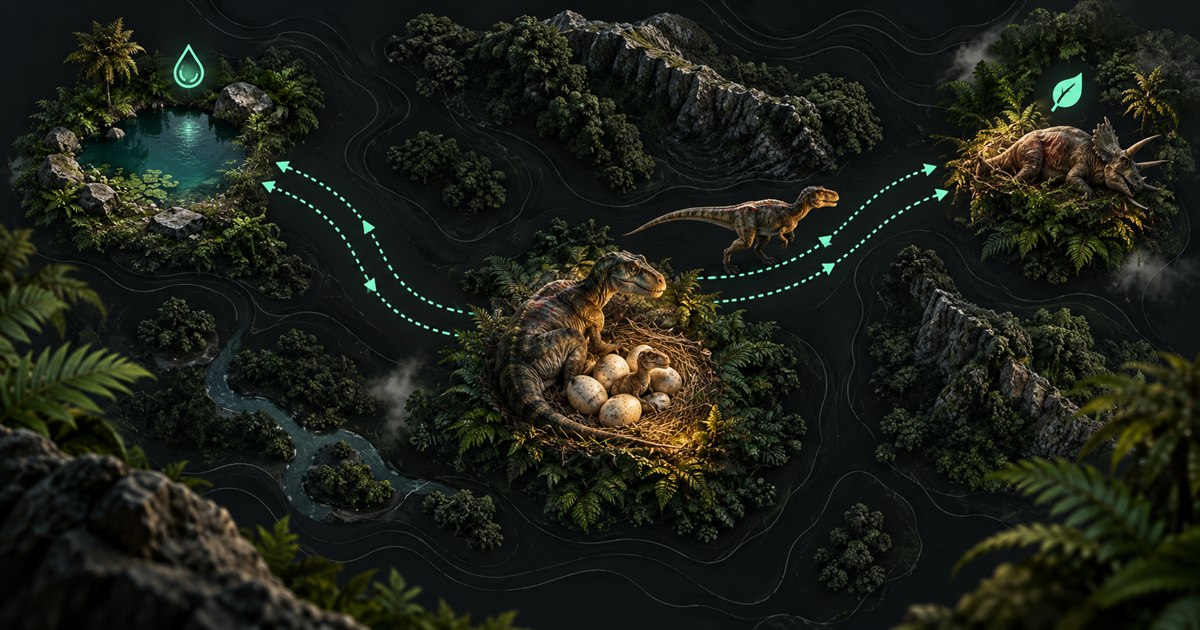
How TheIsleMinimap helps a nesting group
TheIsleMinimap helps with the navigation surrounding nesting. A private squad supports up to four players, with shared captured positions and a shared destination pin. You can agree on a meeting reference and refresh coordinates while making supply journeys.
Your group chooses the shared destination pin after finding a nest in-game. App squad capacity is separate from the game’s nesting and grouping rules.
See the private squad features and Asset Location guide for the navigation workflow. Keep the game's nest information and your group's communication as the source of truth for care tasks.
Why can't I nest or hatch?
Check eligibility, pairing, placement, egg readiness and server rules in that order. Ask the other player to compare their screen with yours. A missing prompt, an unavailable egg and a failed connection are different problems and should not all be treated as an incorrect map location.
For a persistent issue, record the game version, server, species and what happened immediately before it. Check the official announcements for changes and known fixes. Do not delete your Saved or configuration folders as a first troubleshooting step: that can remove settings without resolving a server-side problem.
The Isle nesting FAQ
Is EVRIMA nesting the same as Legacy?
No. Use instructions for your branch and the current game's prompts. An older Legacy tutorial is not a reliable step-by-step guide to EVRIMA nesting.
How long do eggs take to hatch?
Check the nest information in your current game. This guide does not promise one timer for every species, condition or server.
Can I use TheIsleMinimap to find my way back?
Yes, you can use refreshed coordinates and an agreed destination reference. The app does not detect nests or confirm that a nest still exists at a chosen point.
Can the minimap tell me whether my hatchlings need food?
No. Check the game and communicate with the players. The navigation app does not monitor hatchling hunger, water or nest condition.
Learn the nest controls, agree on care roles and make short resource trips you can explain to a friend. Compare TheIsleMinimap plans if you want a Gateway navigation companion for those journeys.