
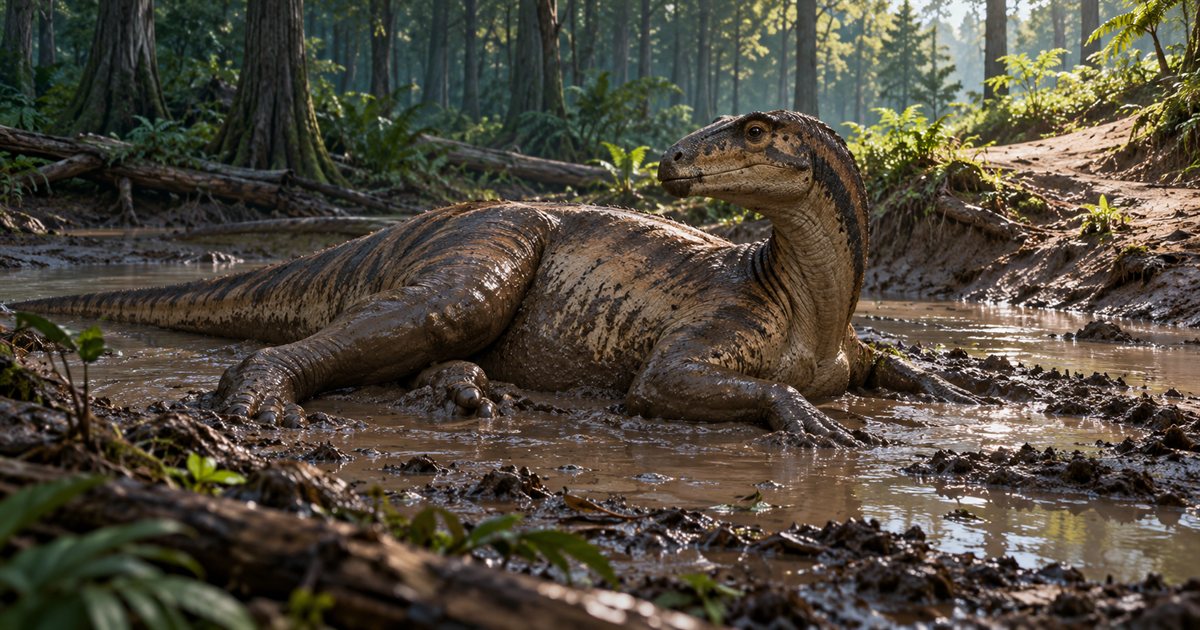
Mud pits are easy to remember as something to look for after an injury or an unwanted encounter. The harder question is whether the pit you can reach is useful right now. In The Isle EVRIMA, approaching, entering and leaving the mud all deserve attention. This guide concentrates on that journey and the wallowing decision itself.
Check your dinosaur's available interaction, inspect the pit and identify an exit. Use the current wallowing prompt when it is appropriate, then check your condition afterwards. A muddy appearance does not establish full recovery, invisibility or a safe route away.
The three AI-generated illustrations show conceptual habitats and planning decisions. They are not gameplay screenshots, exact mud-pit locations or measurements of Gateway terrain.
What wallowing helps you manage
Wallowing is the action of coating your dinosaur in mud at a usable location. Players commonly use it when managing scent and bleeding. The fan-maintained Evrima Quick Guide wallowing reference describes these uses, but also warns that information is being updated. Check the response and status effects in your current game rather than relying on an old list of species exceptions or durations.
The distinction to keep in mind is between applying a coating and solving every survival problem. Health damage, lost blood, a fracture, low stamina and an approaching animal remain separate things to assess. Use our injury and recovery guide when the main question is how your condition is changing.
| Your reason for visiting | What to check | What mud does not prove |
|---|---|---|
| Managing bleeding | The named condition and blood information before and after the interaction. | All lost health or blood has returned. |
| Trying to reduce a pursuer's clues | Whether you can reach and leave the pit without another encounter. | No one can see, hear or follow you. |
| Planning a recovery stop | Your immediate resources, nearby activity and exit. | The pit is a protected resting area. |
| Learning the interaction | Your current playable, keybinding and on-screen prompt. | Every species and growth stage has identical options. |
Finding mud on Gateway without copying an old location guide
Use present-day terrain and a suitable Gateway reference to find a candidate area. Older EVRIMA articles often discuss Spiro and its community location names. A famous mud pit in a historical video is not automatically a location on the map you are playing today.
The official 2022 map-development notes describe replacing a Spiro water feature with mud. That is useful historical context for why old directions circulate, but not a set of current Gateway coordinates. Confirm which map and branch a location reference describes before setting off.
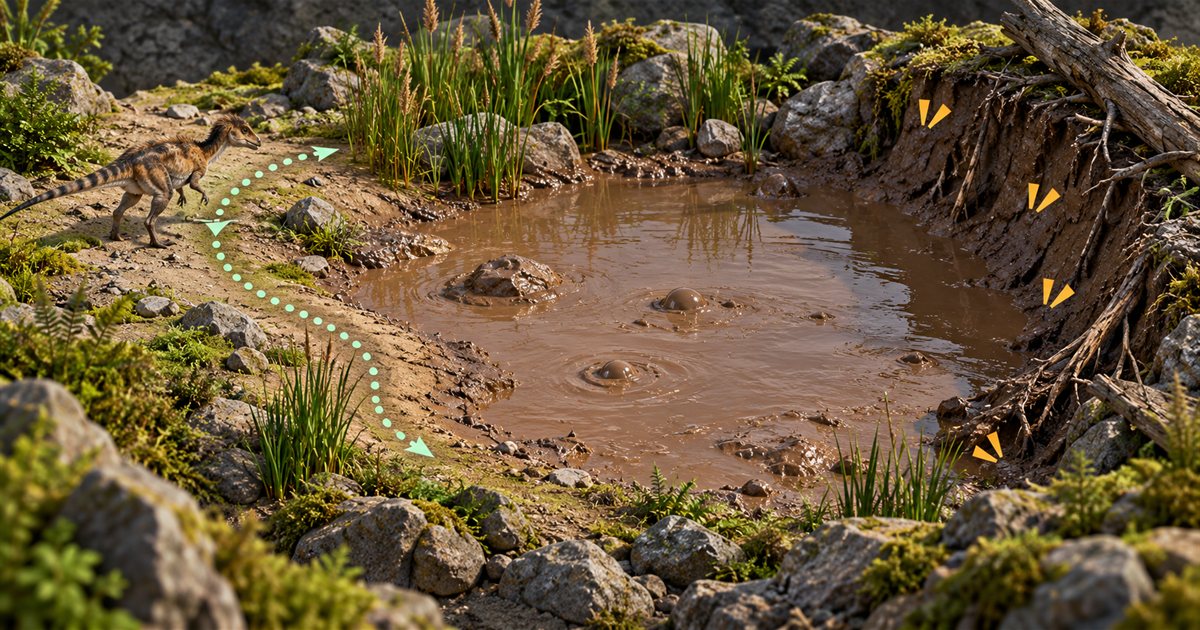
Break the trip into recognizable stages: a landmark you can reach, a point from which you can inspect the basin and an exit you can identify again. If you lose your bearings, refresh your coordinates and compare the terrain instead of extending the trip on guesswork.
Inspect the bank before committing
Slow down before the edge. Look for animals, movement, recent activity and the shape of the banks. Identify where your dinosaur can plausibly enter and leave without needing a difficult climb, a blind corner or a long turn inside the basin.
- Choose an observation point. Keep enough distance to look around before starting an interaction.
- Find an exit. A visible, manageable bank is more useful than a narrow gap you have not inspected.
- Check your condition. Make the decision with your current stamina and injuries, not the abilities you had before the encounter.
- Decide whether to enter. Leave room to reject this pit and use another plan.
No approach guarantees safety. The purpose of the inspection is to avoid discovering an obvious obstacle only after your movement has become more awkward. A quiet-looking surface is not a reliable occupancy check.
How to use the wallowing interaction
At a usable location, read the interaction displayed by the game and use the corresponding binding. E is a commonly documented interaction default, but a changed control layout takes precedence. Do not assume that standing in any dark patch of ground should start a wallow.
Give the action a chance to occur and look for its actual animation or status response. Repeated key presses without checking the result can obscure whether the game accepted the interaction. If no prompt appears, reconsider your position, the surface and the action available to your playable.
This guide does not provide a universal species-eligibility list. The available animals and their interactions have changed during EVRIMA's development. Use the current game and relevant release notes when a species behaves differently from an older tutorial.
Mud changes the movement decision
Do not enter assuming you can sprint, turn or use every ability exactly as you would on firm ground. The official development archive describes mud movement being balanced around sinking, speed and stamina. It also records changes to the wallow effect. Those entries establish that mud has had movement consequences and balance changes; they are not a current numerical formula.
In practice, keep your departure simple. Avoid entering at the steepest bank simply because it is closest to your marker. If the action you expected is unavailable, reassess instead of spending your remaining resources repeatedly trying it.
For flying or aquatic playables, consult their present controls rather than assuming that ordinary land movement advice transfers unchanged. Our Pteranodon guide and Deinosuchus guide explain the wider movement decisions for those animals.
Check your status after leaving
Once you have a moment to inspect the character panel, check the condition that motivated the visit. Is bleeding still shown? Do you still have a fracture? Are food, water or stamina now more urgent? The answer should determine your next action.
A coating is not a clock telling you exactly how long you have before another player can find you. It also does not block a dinosaur's line of sight. Keep watching and listening, especially if you entered because someone was already following your route.
Use the footprints and blood-trail guide to understand the difference between obscuring a clue and making a pursuer forget everything they observed. No step here guarantees that a chase ends.
Should you travel to mud or rest nearer by?
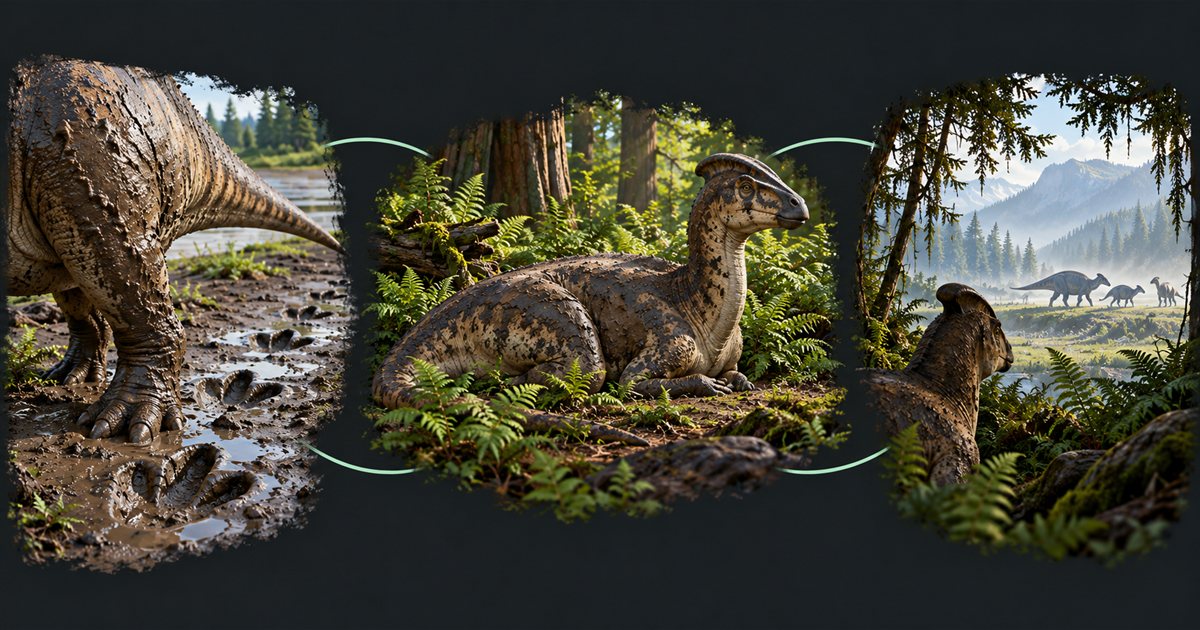
Ask what the journey solves and what it costs. A distant wallow can require more movement and exposure than a manageable recovery stop close to your present position. Conversely, a nearby usable pit may be worth assessing when it fits your immediate need.
Do not travel simply because the marker looks reassuring. Compare distance, terrain, resources and the danger you can observe. If supplies are deteriorating, a long detour can create a second problem before the first is resolved. Keep the water journey and your movement budget in the same plan.
Make a group visit easier to manage
Tell friends which bank you intend to use and where you will meet afterwards. Crowding one small approach can make it harder to judge the surroundings or leave promptly. Agree who is watching nearby activity while another player interacts.
If someone is injured, choose a meeting point they can actually reach. Sharing a distant coordinate is not useful if the route requires movement they cannot comfortably perform. Server rules still apply to the group and its actions.
Using the Mud areas filter in TheIsleMinimap
Open Settings > Map Layers > General, enable General layers and select Mud areas. Compare the mapped areas with your own up-to-date position and landmarks, then inspect the location in the game.
The layer is reference information. It does not check whether a wallow is occupied, usable by your dinosaur or safe to approach. TheIsleMinimap does not read injuries, apply mud or change recovery. Its shared positions can help a private squad coordinate the journey while each player assesses their own game.
Mud pits and wallowing: quick answers
Why will my dinosaur not wallow?
Check the current interaction prompt, binding, position and playable. Do not assume every muddy-looking surface or species has the same interaction.
Does mud restore everything I lost in a fight?
No. Check blood, health and fractures separately. A coating is not proof of complete recovery.
Does a mud marker mean the pit is empty?
No. The app's layer shows mapped terrain, not current animals or occupancy.
How long does the effect last?
This guide does not promise a fixed duration. Effect behavior has been adjusted; use current status information rather than a timer from a different build.